Inside Praxis
Explore the app
From raw idea to shipped code — a walkthrough of every view in Praxis. Click any screenshot to expand it.
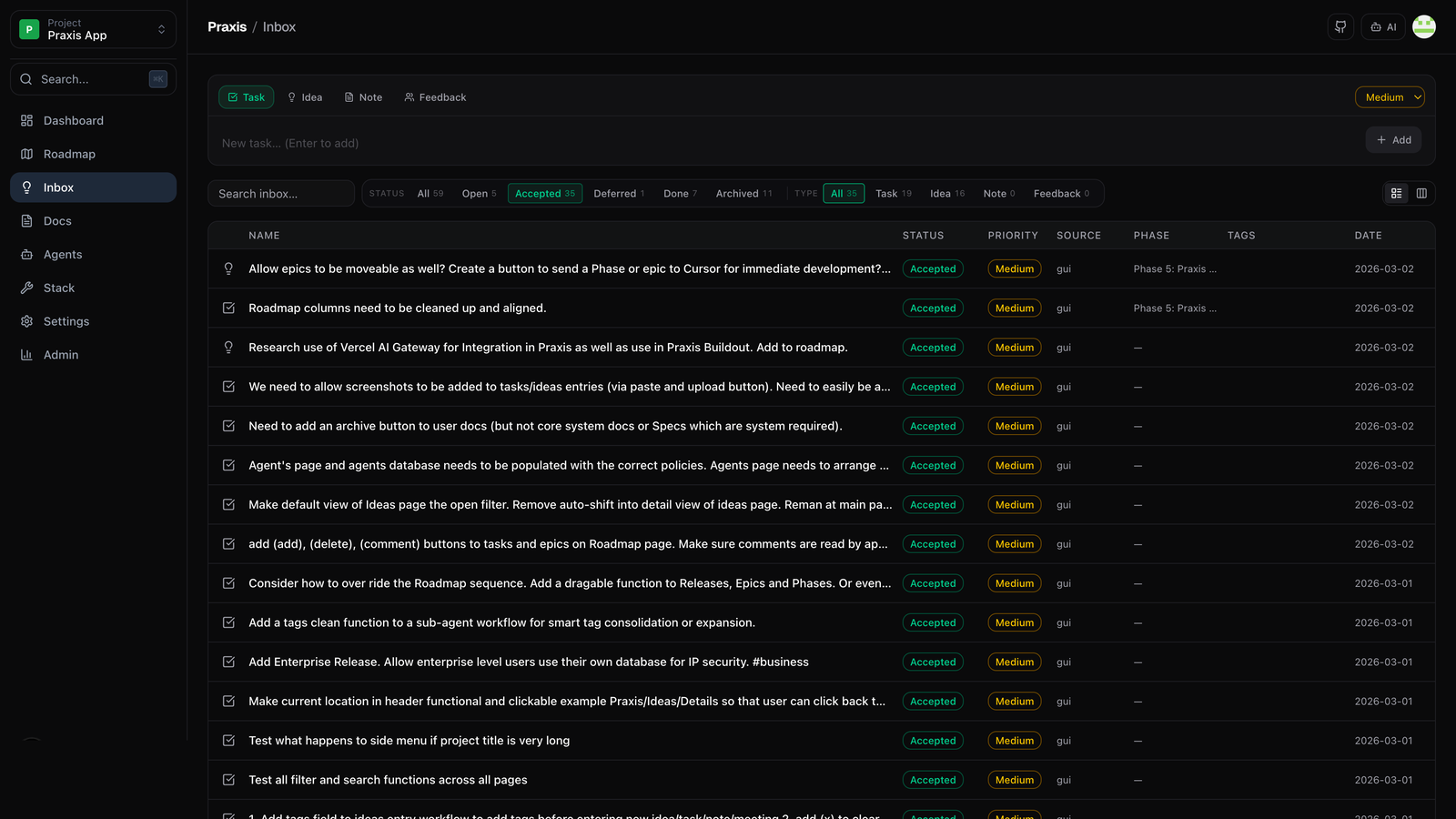
Capture ideas before they become tasks
The Human Inbox is your pre-roadmap thinking space. Drop in raw ideas, context, links, and rough specs. Praxis holds them until you're ready to promote an idea into a full project — no premature structuring, no lost context.
Your project, phase by phase
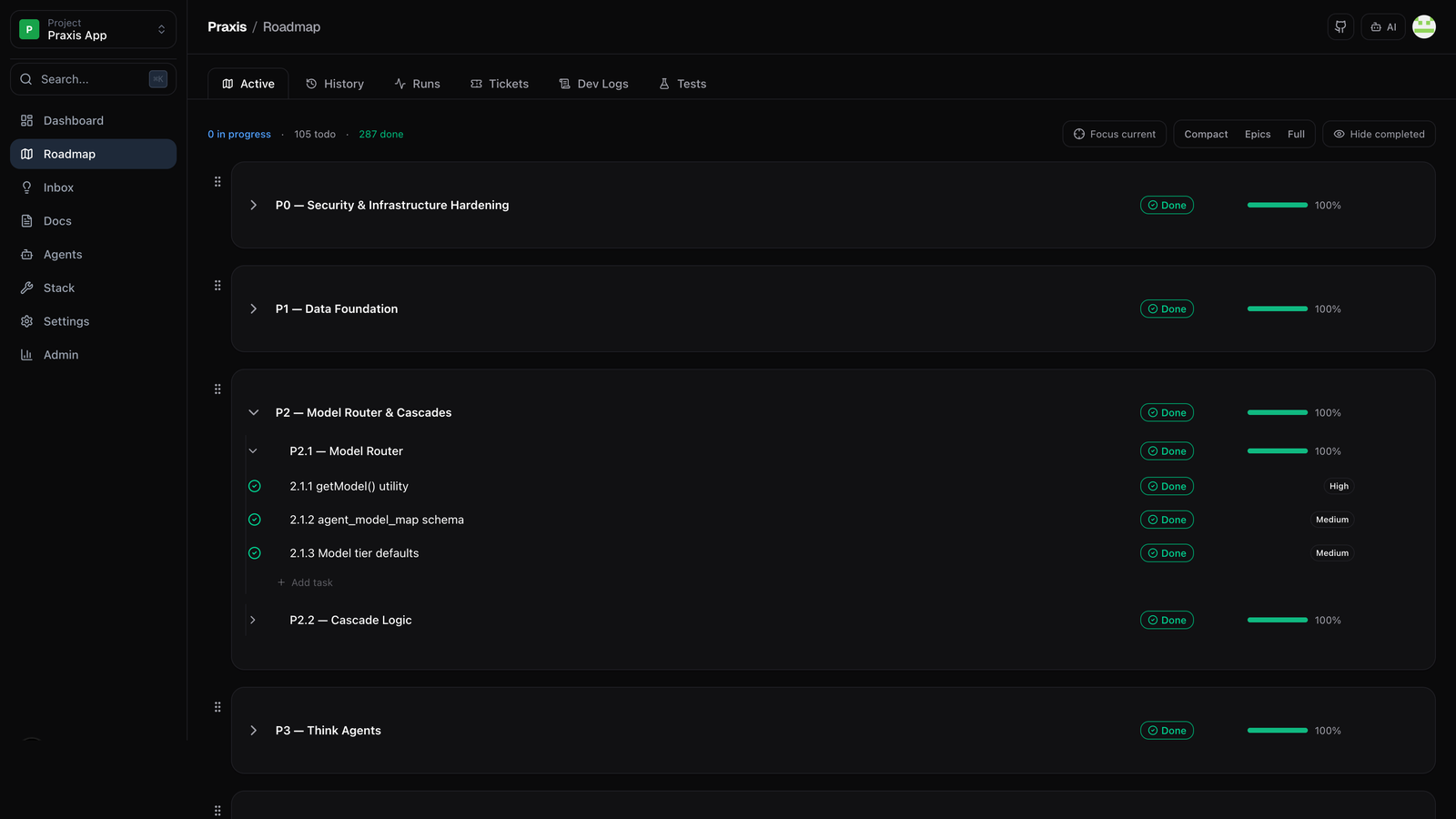
Once an idea graduates from the Inbox, Praxis' Planner agent breaks it into a structured roadmap of phases and tasks. You review and approve the plan — nothing starts building until you sign off.
Everything in one view
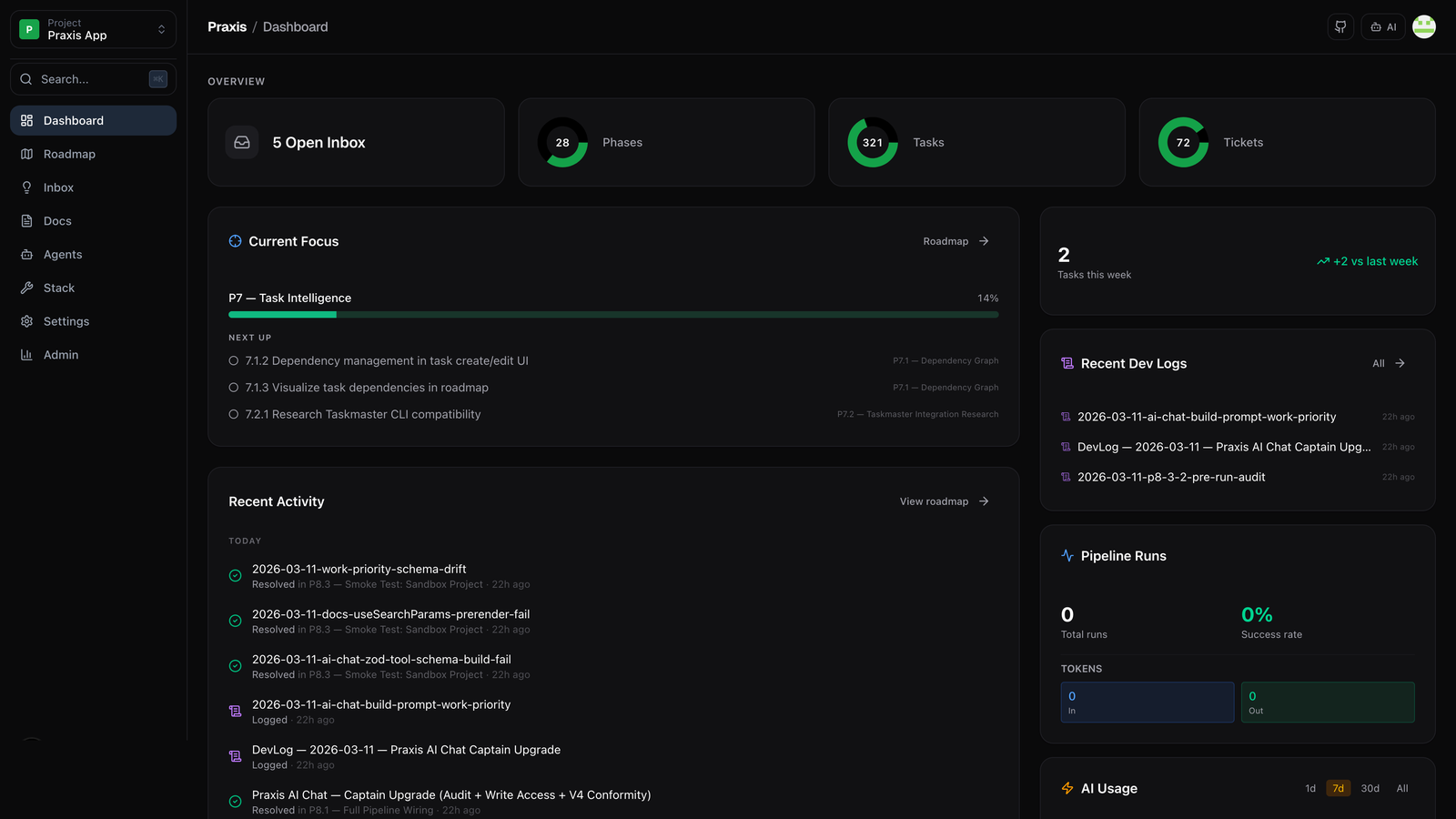
The dashboard gives you a live snapshot of all active projects — phase progress, agent status, recent completions, and any gates waiting for your review. Nothing is hidden.
Specialized agents, doing the work
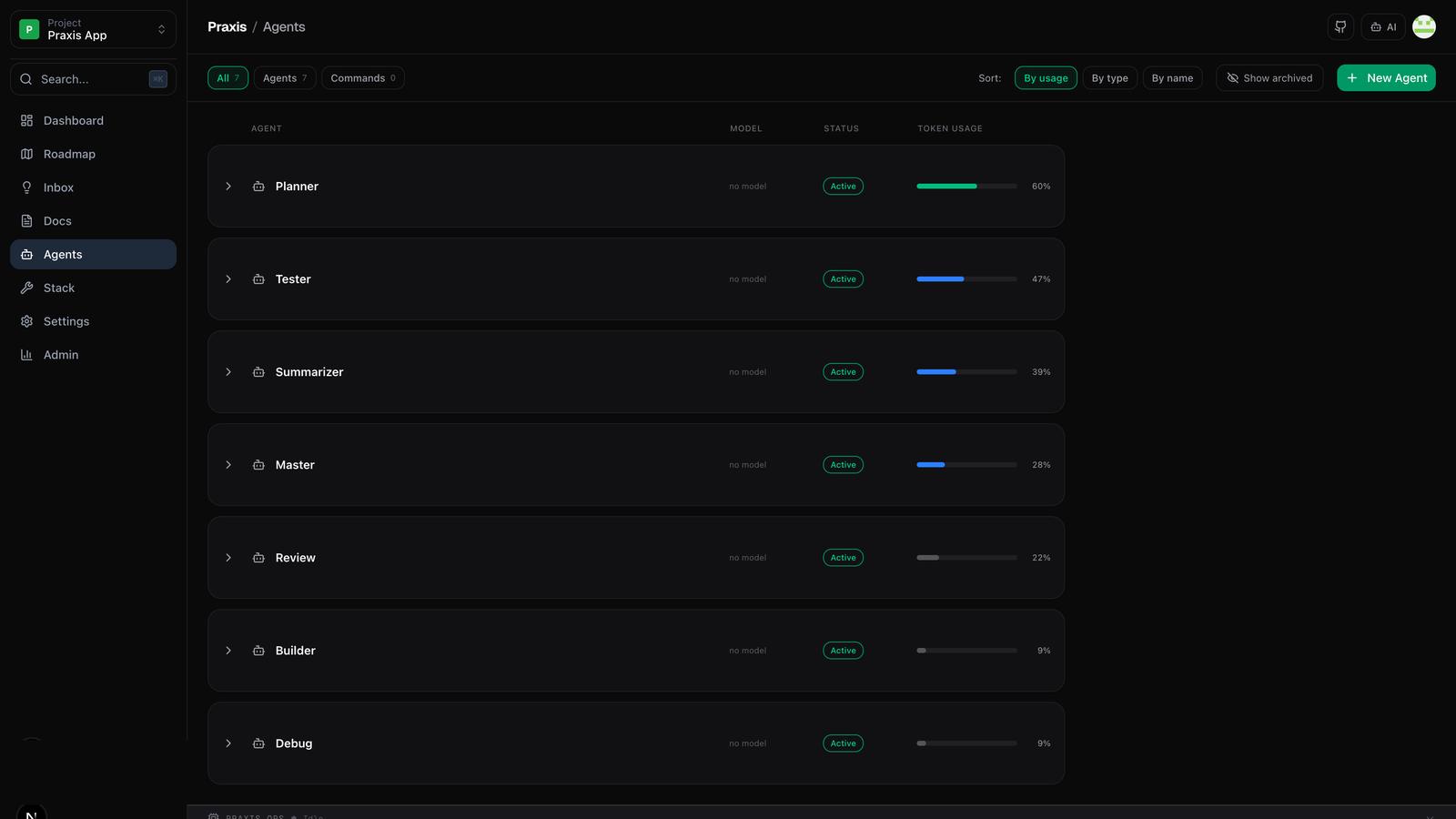
Each task is handed to the right specialist: Builder writes the code, Tester validates it, Debug fixes failures, Review enforces quality. Every run is isolated in its own git worktree — your main branch is never at risk.
Context that compounds over time
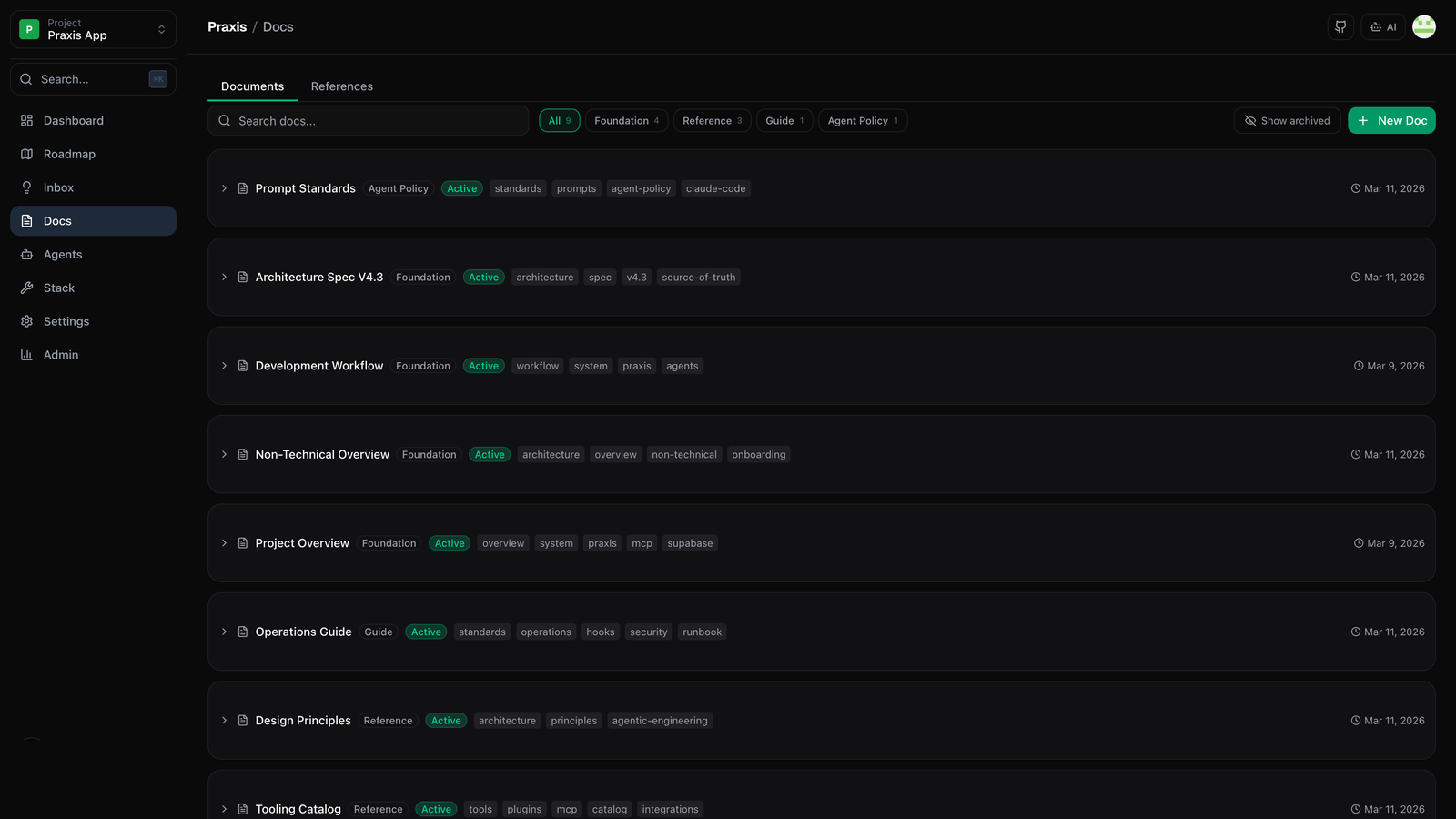
Praxis maintains six memory layers across every build: Implementation Memory, Milestone Memory, Pattern Memory, Tag Index, Build Log, and the Chain of Context — the master project diary. Nothing falls through the cracks.
Every agent has what it needs
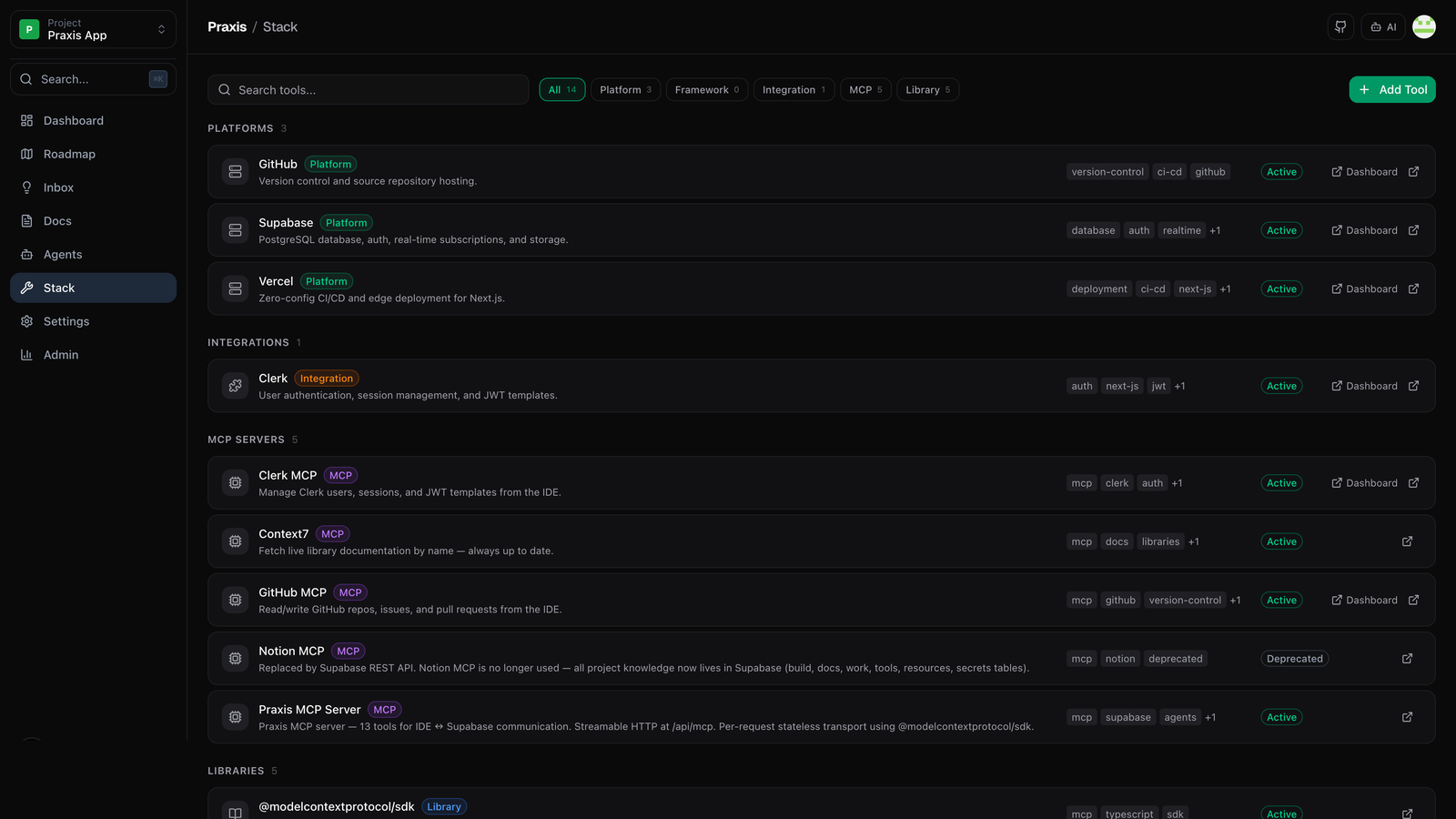
Builders get sandboxed file access and terminal tools. Testers get test runners. Review agents get diff viewers. Each role sees only the tools relevant to its job — clean separation, zero cognitive overhead.
Your project, your rules
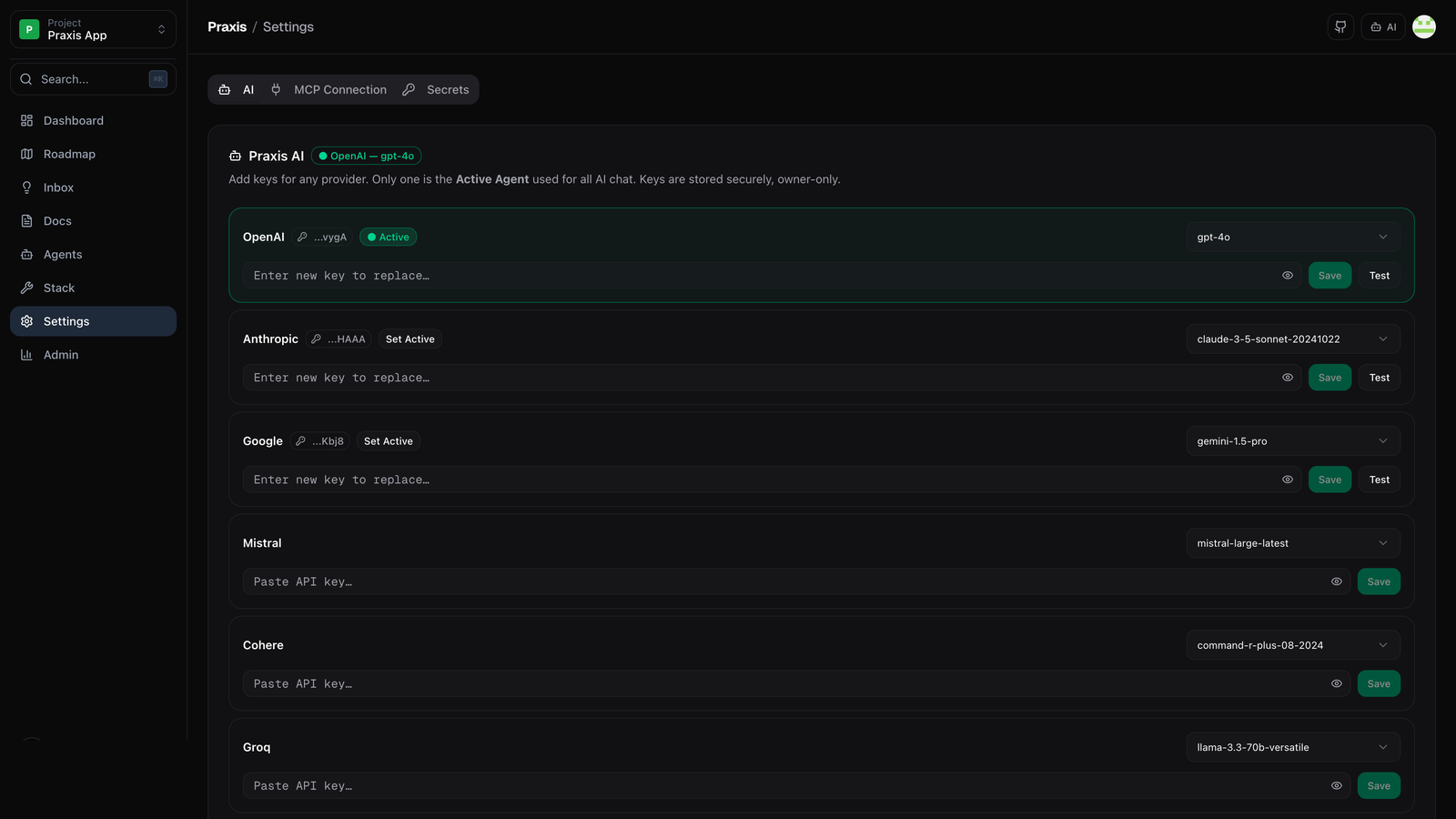
Configure your stack, model preferences, git integration, and team permissions from one place. Praxis adapts to your workflow — not the other way around.